Category: Autopod
-

AutoPod Free Trial: How to Get Started for Free?
AutoPod advertises a 30-day free trial with monthly billing. Before starting, check your editing setup and review the live offer on the official AutoPod pricing page. This guide is published by AutoPodcastAI, an independent affiliate site. Before you start: trial requirements Editor: Adobe Premiere Pro 2023 or newer. For Resolve, check the official compatibility notes:…
-
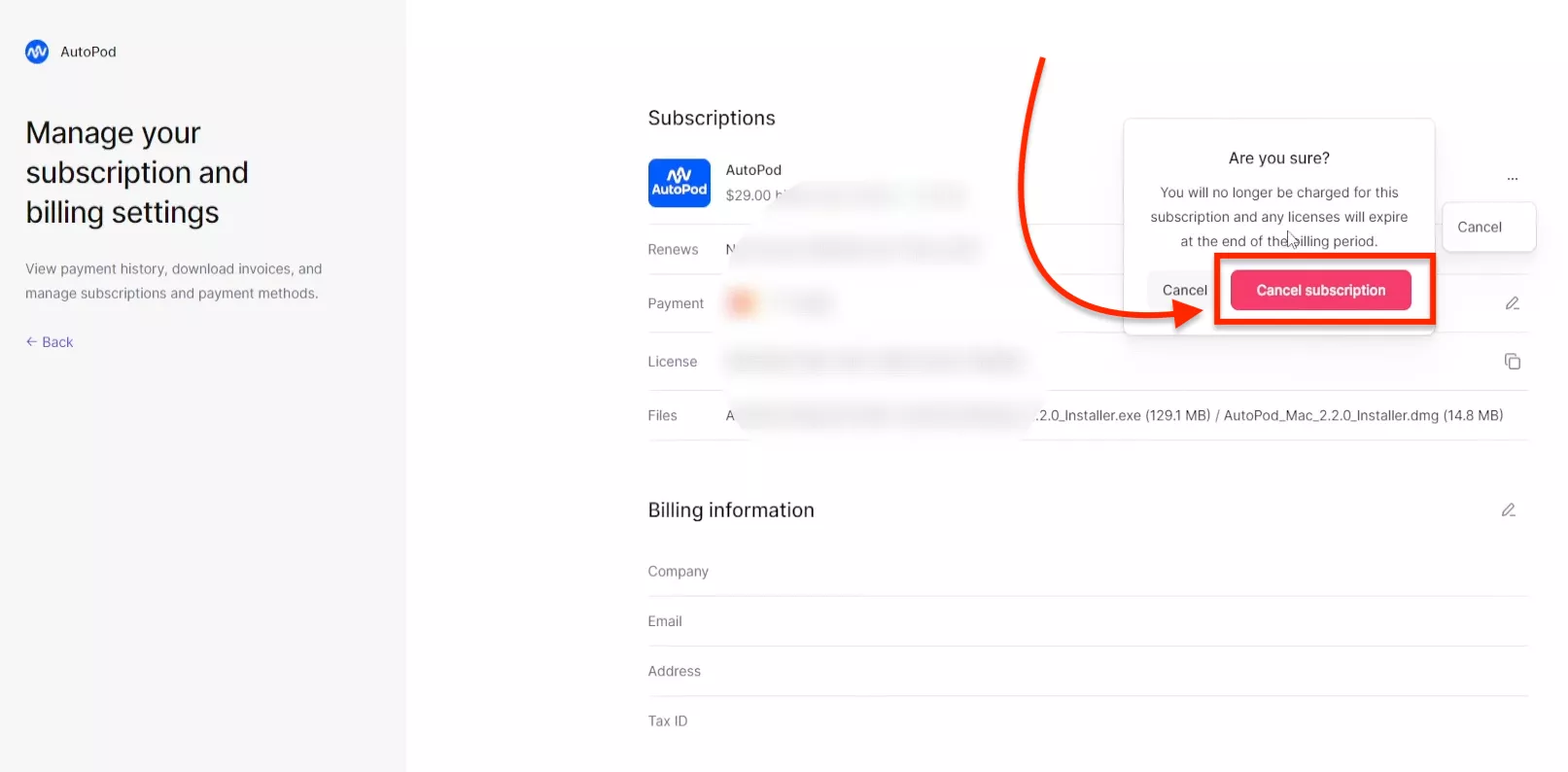
Cancel Your AutoPod Subscription in 5 Steps
You can cancel your AutoPod subscription through its Lemon Squeezy billing portal. If you’re using a free trial or a paid subscription, sign in with the email address associated with your AutoPod account, open your subscription options, and confirm the cancellation. Below, I’ll walk you through each step. How to Cancel Your AutoPod Subscription? Before…
-
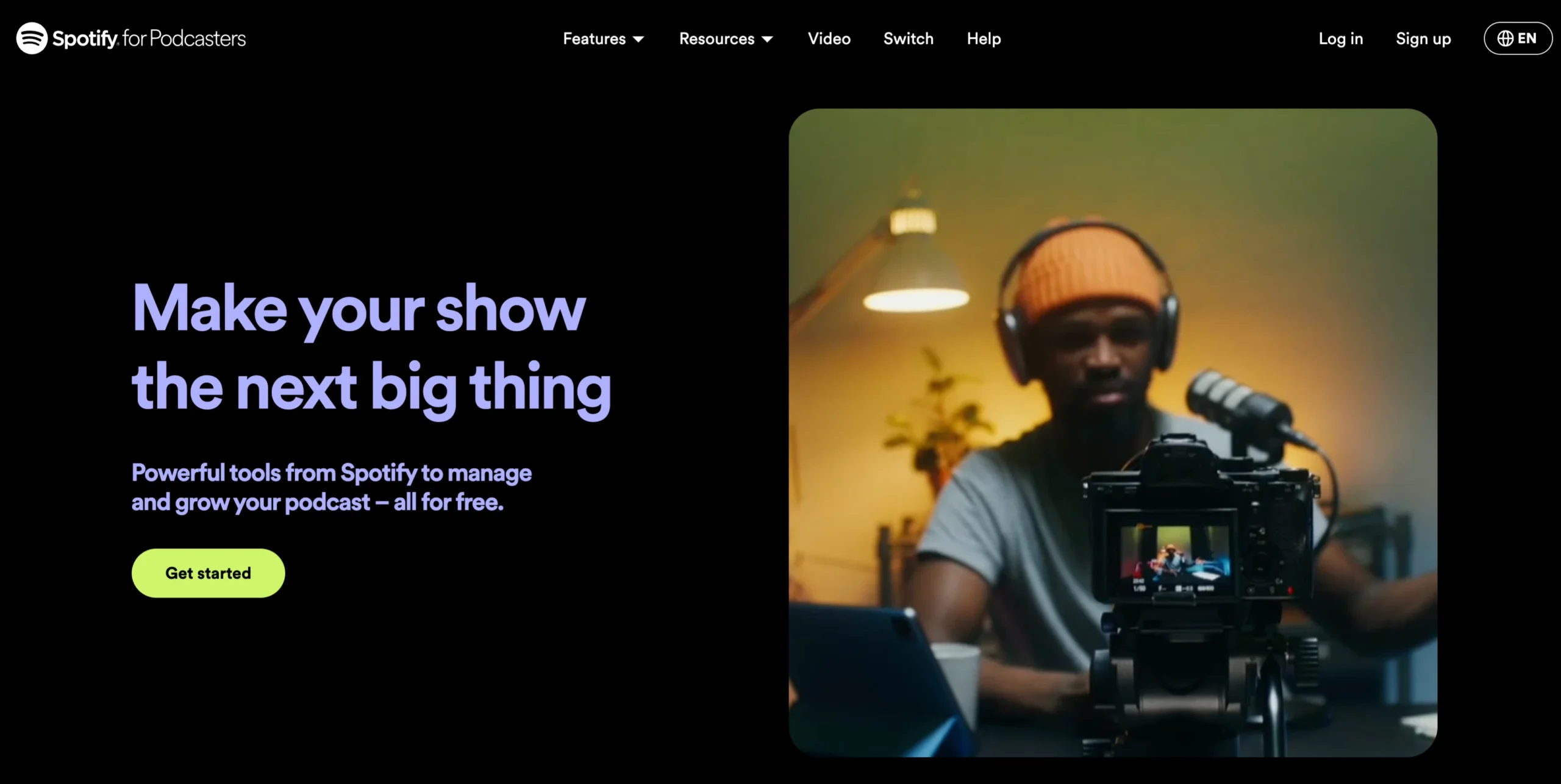
How to Upload Your Podcast to Spotify for FREE?
Do you want to upload your podcast on Spotify? If yes, you’re at right place. In this article, I’m going to walk you through the process of uploading your podcast to Spotify, completely free of charge, and in just three simple steps. How to Upload Your Podcast to Spotify? Step 1: Create a Spotify for…
-
NotebookLM AI: Convert PDFs into Podcasts using AI
Creating a podcast from a PDF by using AI may sound like science fiction, but it’s now a reality. In this guide, I’ll walk you through how you can upload any private documents or research articles, summarize them using AI, and even generate a podcast using human-like voices. Imagine the scenario: you upload a document…
-

How to Use Autopod.fm for Podcast Editing (Ultimate Guide)
Autopod.fm is a powerful tool designed to simplify your podcast editing effort with its intuitive interface and advanced automation features. In recent weeks, I have been enjoying the free trial of Autopod for editing my client’s podcast, saving me precious time and effort. This comprehensive guide will walk you through the process of using Autopod…
-

Autopod vs. Descript: Which Software is Right for You?
So you’ve recorded your podcast episode, congratulations! Now comes the editing phase, which can feel like time consuming task. Two popular software options vying for your attention are Autopod and Descript. But which one is the right fit for your podcast editing? Let’s break down the key differences to help you decide. I’ve used both…
-

Best way to record and edit a podcast with Autopod AI Plugin
Recording and editing a podcast with the AutoPod AI can streamline your workflow and enhance the overall quality of your content. Here’s a comprehensive guide on the best practices for recording and editing using AutoPod AI Plugin. Introduction to Autopod AI Autopod AI is an AI-powered tool designed for automatic video and podcast editing within…
-

Create an Instant Podcast with NotebookLM and AutoPod
As we earlier familiar with the NotebookLM and Today, I’m excited to show you how to create a podcast quickly using Google NotebookLM. If you’re a podcaster or just starting out, this method will streamline the process and allow you to produce a professional podcast in just minutes. Create and Edit an Instant Podcast: Step…
-

How to Switch Computers with Autopod?
So, you’re using AutoPod and loving it, but now you need to switch to a new computer? Since AutoPod allows only one license key per computer, you’ll need to change or switch from the old computer. I’m here to walk you through the process step-by-step with this task. Switching computers might sound like a hassle,…
-

Autopod Social Clip Creator (Create 10 Clips in 5 seconds)
Do you want to increase your audience reach? If yes, then Autopod Social Clip Creator helps you to create small clips of your content that you can publish on social media easily. I’ve found the Autopod Social Clip Creator to be the most useful feature. This Adobe Premiere plugin automates the creation of social clips,…