Author: Sonu
-

Fix your Voice with Adobe Podcast AI Voice Enhancer
You can easily remove noise and echo from your voice recordings in seconds for free with this AI Tool called Adobe Podcast AI Enhance Speech. While the name might suggest it’s only suitable for podcasting, I’ve discovered it offers a lot more than expected, especially for enhancing various types of audio recordings. What is Adobe…
-

How to Set Up a Podcast at Home?
If you’re planning to start a podcast and are curious about how to record it or if you’ve already launched one and want to enhance your recording quality, this guide is for you. I’ll walk you through the entire process, from the necessary equipment to the best setup a Podcast at home for beginners, so…
-
How to Record a Podcast for School?
If you’re new to podcasting or looking for some tips to refine your process, I’ll walk you through everything from setting up your environment to recording and editing your podcast. Record a Podcast for School: A Step By Step Guide Step 1: Find a Quiet Environment The first and most important step when recording a…
-

Best way to record and edit a podcast with Autopod AI Plugin
Recording and editing a podcast with the AutoPod AI can streamline your workflow and enhance the overall quality of your content. Here’s a comprehensive guide on the best practices for recording and editing using AutoPod AI Plugin. Introduction to Autopod AI Autopod AI is an AI-powered tool designed for automatic video and podcast editing within…
-

Create an Instant Podcast with NotebookLM and AutoPod
As we earlier familiar with the NotebookLM and Today, I’m excited to show you how to create a podcast quickly using Google NotebookLM. If you’re a podcaster or just starting out, this method will streamline the process and allow you to produce a professional podcast in just minutes. Create and Edit an Instant Podcast: Step…
-

How to Switch Computers with Autopod?
So, you’re using AutoPod and loving it, but now you need to switch to a new computer? Since AutoPod allows only one license key per computer, you’ll need to change or switch from the old computer. I’m here to walk you through the process step-by-step with this task. Switching computers might sound like a hassle,…
-
How to create Your Own Podcast Using AI?
In today’s digital age, creating a podcast doesn’t have to be complicated, especially with the help of AI. From generating the script to creating the audio and piecing everything together, AI tools can handle it all. In this step-by-step guide, I’ll show you exactly how you can create your own AI-generated podcast using a few…
-

AutoPod Free Trial: How to Get Started for Free?
Are you looking for a powerful tool to smoothens your podcast editing process? Autopod offers a comprehensive solution tailored for podcasters who need efficiency without compromising the quality. You can try it for free! This guide will walk you through the features of Autopod, how to get started with the free trial, and what to…
-
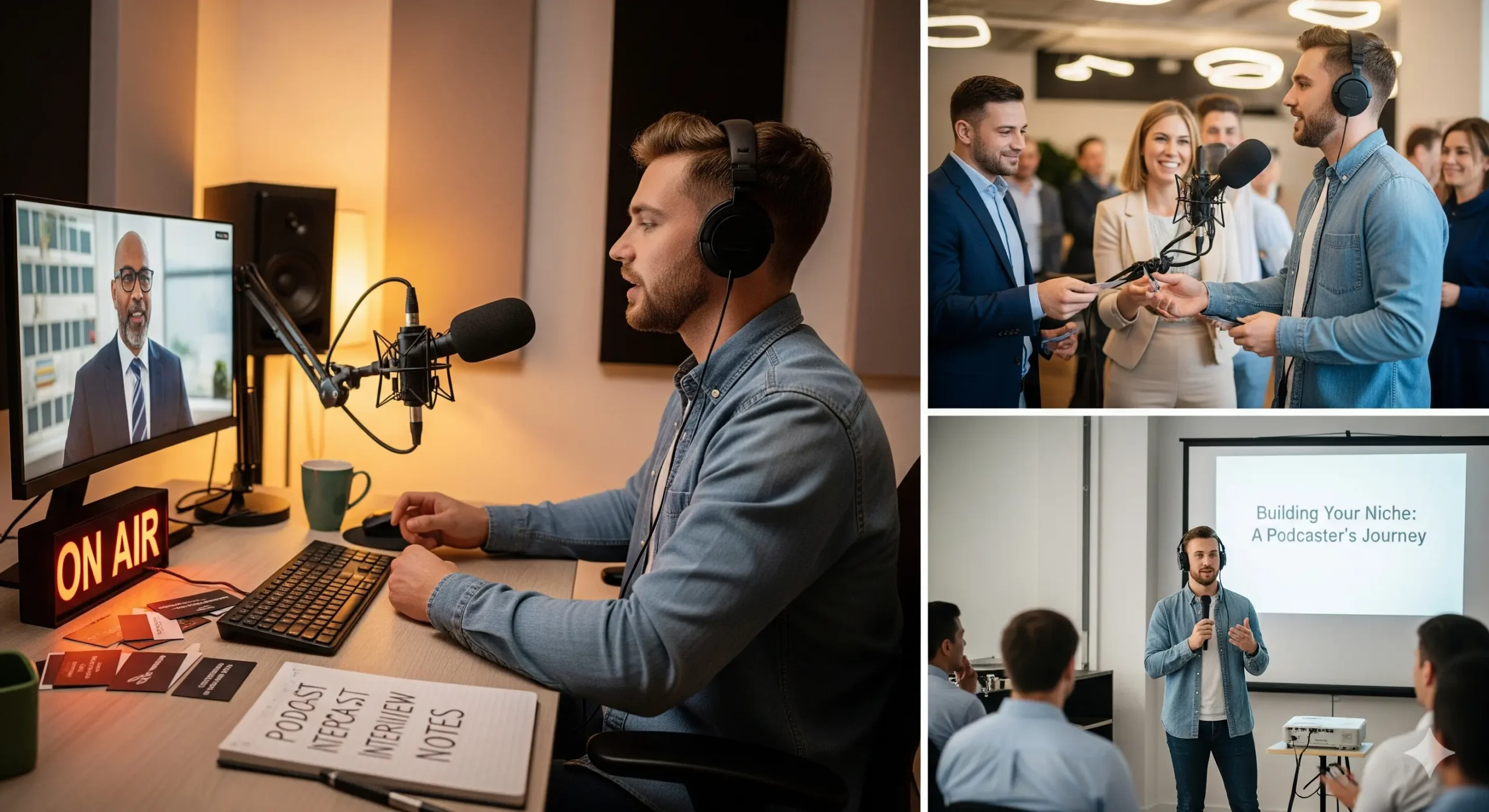
How to Start a Podcast?
I want to share with you a simple yet effective method that most people overlook. It’s an easy tip yes, an easy tip—but at the same time, it is what many would consider an advanced strategy. What makes it special is that 99% of people never try it, but those who do often see extraordinary…
-

Autopod Social Clip Creator (Create 10 Clips in 5 seconds)
Do you want to increase your audience reach? If yes, then Autopod Social Clip Creator helps you to create small clips of your content that you can publish on social media easily. I’ve found the Autopod Social Clip Creator to be the most useful feature. This Adobe Premiere plugin automates the creation of social clips,…