
Podcasting is one of the best classroom projects: students research, write, speak and edit, and the result is something they’re proud to share. The tricky part is finding podcast apps that are free, run on school Chromebooks and are safe for kids.
I checked the current education plans of the main podcast tools (November 2026) and grouped the best ones by what students, kids and teachers actually need.
Quick picks: BandLab for Education: best free all-rounder (Chromebook, unlimited students). Soundtrap for Education: best for teachers running assignments. WeVideo: best for video podcasts. Adobe Podcast: free one-click voice cleanup. Vocaroo: quickest free recorder. Canva for Education: free cover art.
Best podcast apps for students compared
| App | Best for | Price | Chromebook | Kids & safety |
|---|---|---|---|---|
| BandLab for Education | Free all-rounder | Free | Yes (browser) | COPPA & parental consent forms |
| Soundtrap for Education | Teachers & assignments | 30-day free trial, then school plan | Yes (browser) | School accounts, built for all ages |
| WeVideo | Video podcasts | Free trial, then school plan | Yes | FERPA & COPPA compliant |
| Adobe Podcast | Voice cleanup | Free (1 h/day) | Yes (browser) | Teacher-managed use |
| Vocaroo | Quick recordings | Free | Yes (browser) | Teacher-managed use |
| GarageBand | iPad & Mac | Free | No | Works offline |
| Audacity | Desktop editing | Free | No | Works offline |
| Spotify for Creators | Publishing | Free | Yes (browser) | Use a teacher/parent account |
| Canva for Education | Cover art | Free for classrooms | Yes (browser) | Education accounts |
Best free podcast apps for students
1. BandLab for Education: best for a free all-in-one class studio
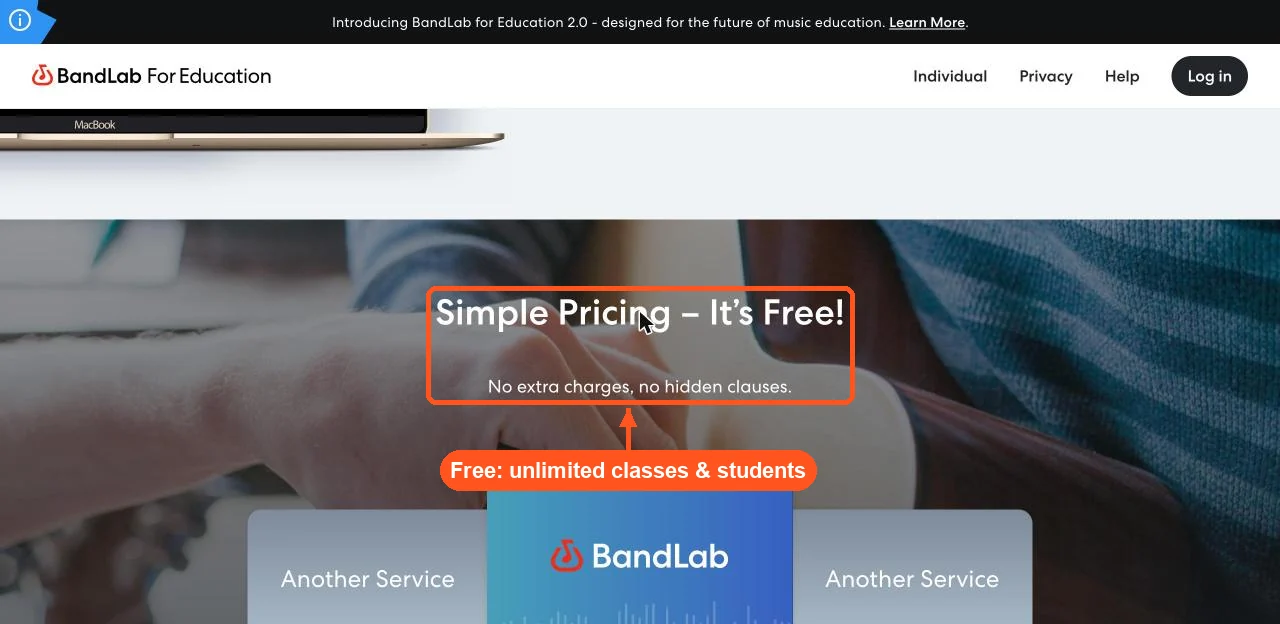
BandLab for Education is a free, cloud-based studio for classrooms. Students record and edit in the browser, and teachers manage classes and projects without installing anything.
- Works on Mac, Windows, Linux and Chromebooks with no installation.
- Free with unlimited classes, students and projects.
- COPPA consent and parental consent forms for younger students.
| Price | Free |
| Devices | Any browser, including Chromebooks |
| Ages | Designed for “even the youngest learners” with consent forms |
Good for: Schools that need a free, safe tool every student can use on a Chromebook.
2. Soundtrap for Education: best for teachers running podcast assignments
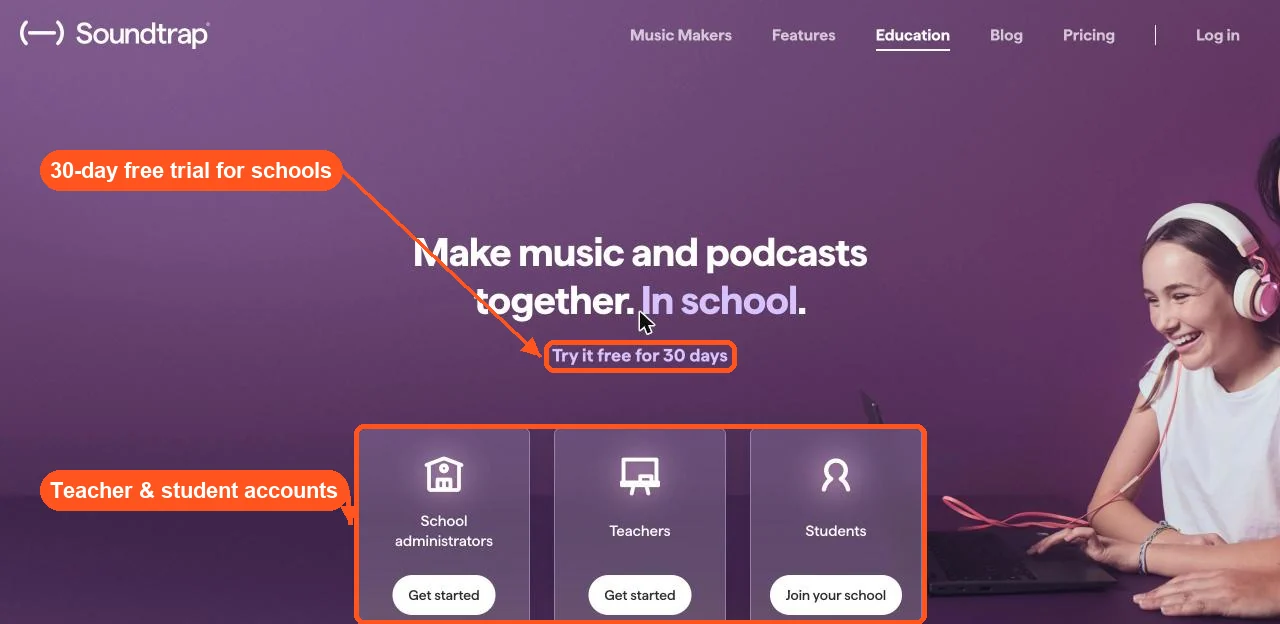
Soundtrap for Education is an online studio for music and podcasts in school. Teachers get assignments, lesson plans and LMS integrations, and students collaborate on the same project in real time.
- Podcast editing with transcript-style tools.
- Integrations with LMS platforms like Google Classroom.
- Separate sign-ups for administrators, teachers and students.
| Price | 30-day free trial, then a school plan |
| Devices | Browser, including Chromebooks |
| Ages | Built for all ages and ability levels |
Good for: Teachers who want to set, collect and grade podcast projects in one place.
3. WeVideo: best for video podcasts on Chromebooks
WeVideo is a classroom video editor that also handles podcasts. It’s a good choice when students want to film their show for YouTube or a class showcase.
- Students create videos, GIFs and podcasts.
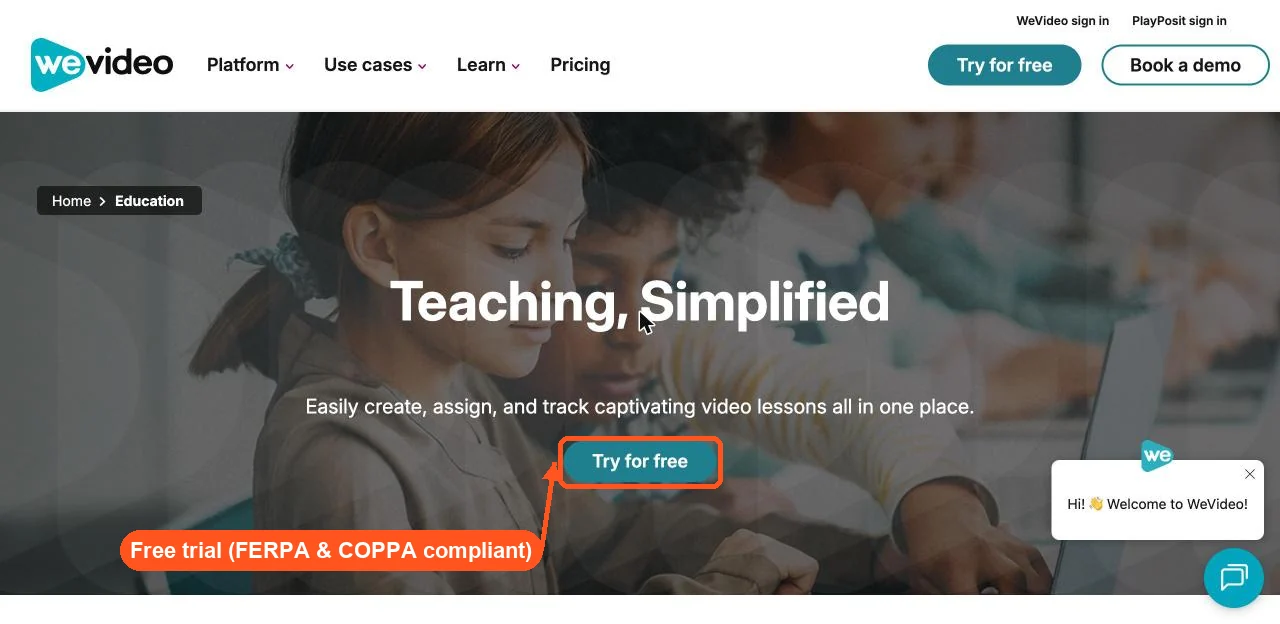
- FERPA and COPPA compliant, with no ads and sharing limited to teacher-managed groups.
- Runs on student Chromebooks.
| Price | Free trial, then a school plan |
| Devices | Browser, including Chromebooks |
| Ages | Elementary and up (FERPA/COPPA) |
Good for: Classes making video podcasts or mixed-media projects.
4. Adobe Podcast: best for free one-click voice cleanup
Adobe Podcast runs in the browser. Its free Enhance Speech tool makes classroom recordings sound clean by removing background noise and echo, which is perfect for noisy schools.
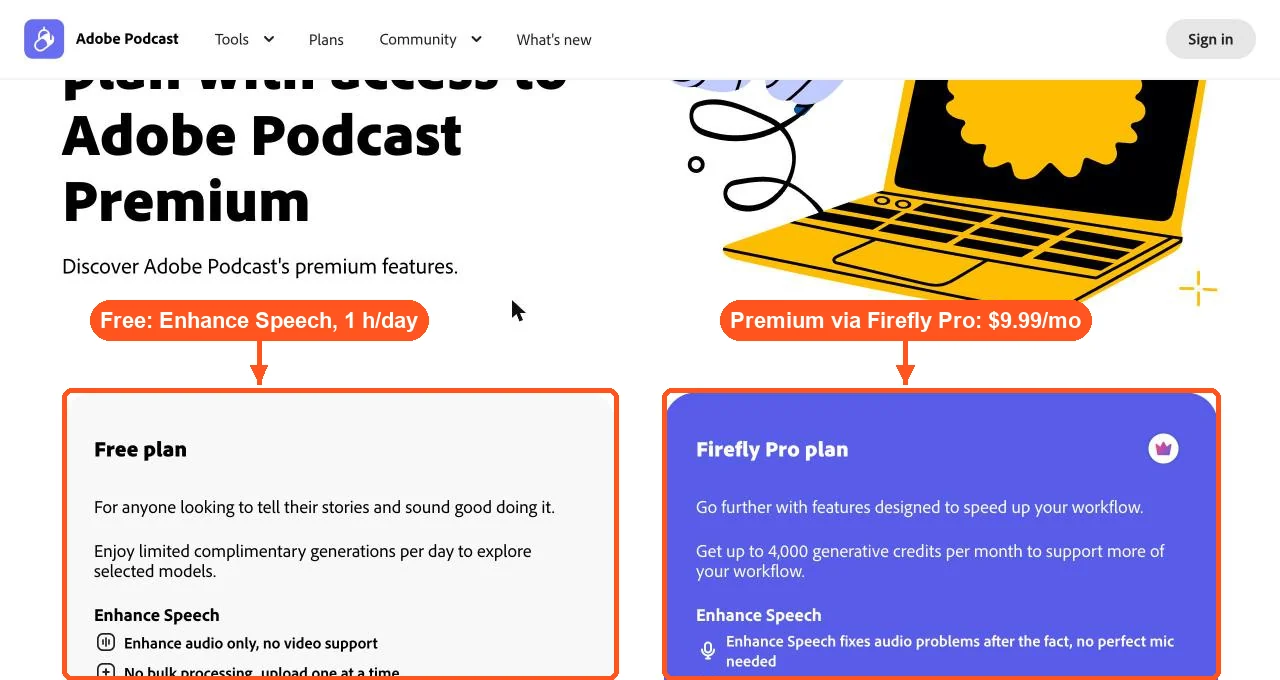
- Enhance Speech: free for audio files up to 30 minutes, 1 hour a day.
- Browser recording, including remote guests.
- Transcript-based audio editing.
| Price | Free plan; Premium via Adobe Firefly Pro ($9.99/month) |
| Devices | Browser, including Chromebooks |
| Ages | Use under a teacher-managed account |
Good for: Making student recordings sound professional in one click.
5. Vocaroo: best for the quickest free recordings
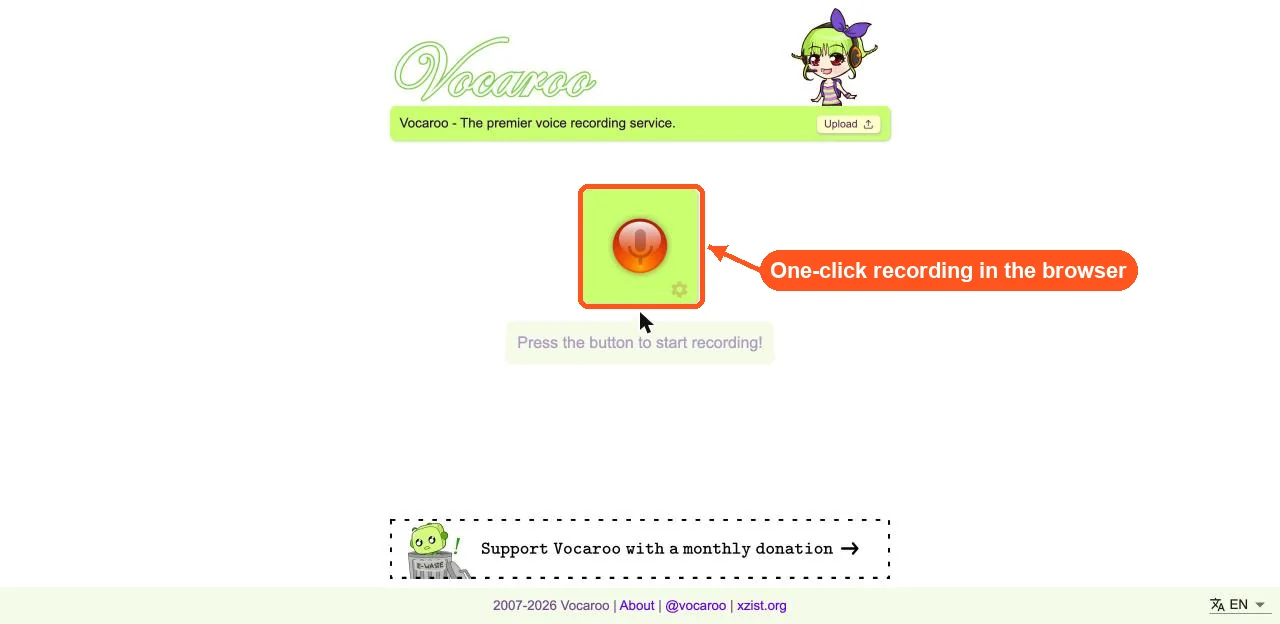
Vocaroo is a simple online voice recorder: press the button, speak, and share or download the file. There’s no editing, but it’s ideal for short assignments and first drafts.
- One-click recording in the browser.
- Upload, share by link or download the audio.
- Nothing to install.
| Price | Free |
| Devices | Any browser, including Chromebooks |
| Ages | Teacher-managed use |
Good for: Quick voice notes, interviews and drafts before editing elsewhere.
6. GarageBand: best for iPad and Mac classrooms
GarageBand comes free on iPad and Mac. Students can record multiple voice tracks, add music loops and export a finished episode, even without internet.
- Multitrack recording and editing.
- Built-in loops for intros and transitions.
- Works offline.
| Price | Free |
| Devices | iPad, iPhone and Mac (not Chromebook) |
| Ages | No account needed to record |
Good for: Schools with iPads or Mac labs.
7. Audacity: best for free desktop editing
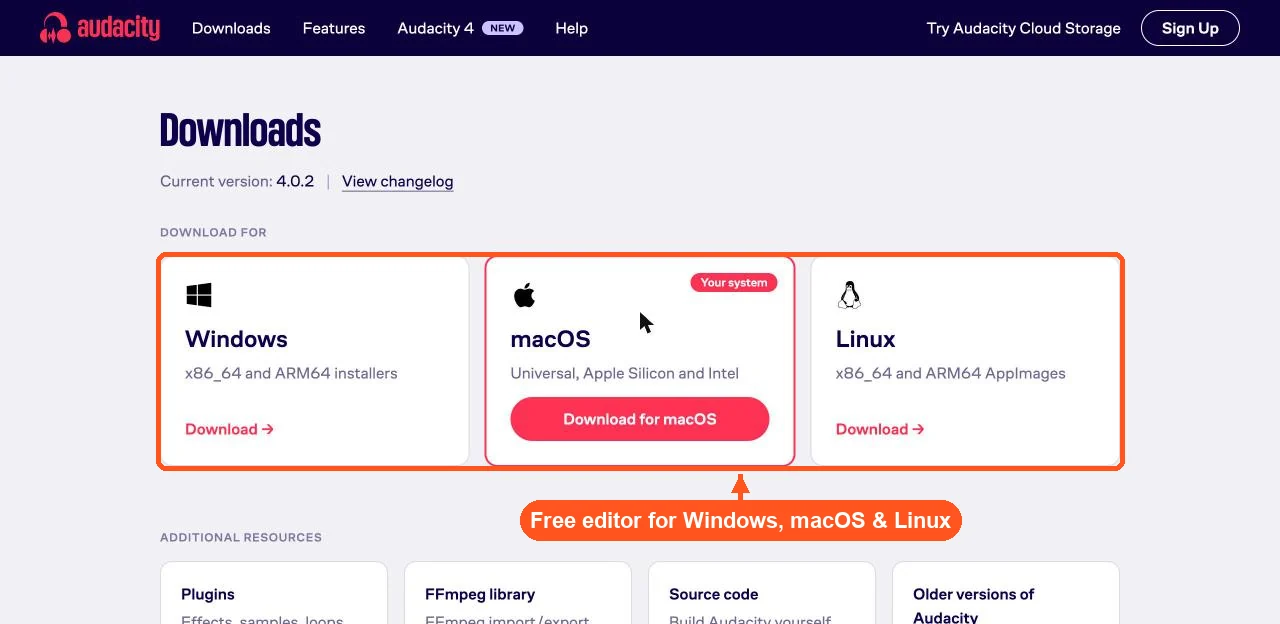
Audacity is a free, open-source audio editor for Windows, macOS and Linux. It’s more technical than browser tools but very powerful for older students.
- Cut, fade, remove noise and normalize volume.
- Exports MP3 and WAV for publishing.
- Works offline.
| Price | Free |
| Devices | Windows, macOS, Linux (not Chromebook) |
| Ages | Best for high school and up |
Good for: Computer labs and older students learning real audio editing.
8. Spotify for Creators: best for publishing the class podcast
Spotify for Creators (formerly Anchor and Spotify for Podcasters) hosts and publishes podcasts for free. Have a teacher or parent own the account and upload students’ finished episodes.
- Free hosting with audio and video episodes.
- Publishes to Spotify instantly; RSS for Apple Podcasts.
- Team access for co-teachers.
| Price | Free |
| Devices | Browser; audio uploads also from the app |
| Ages | Use a teacher or parent account |
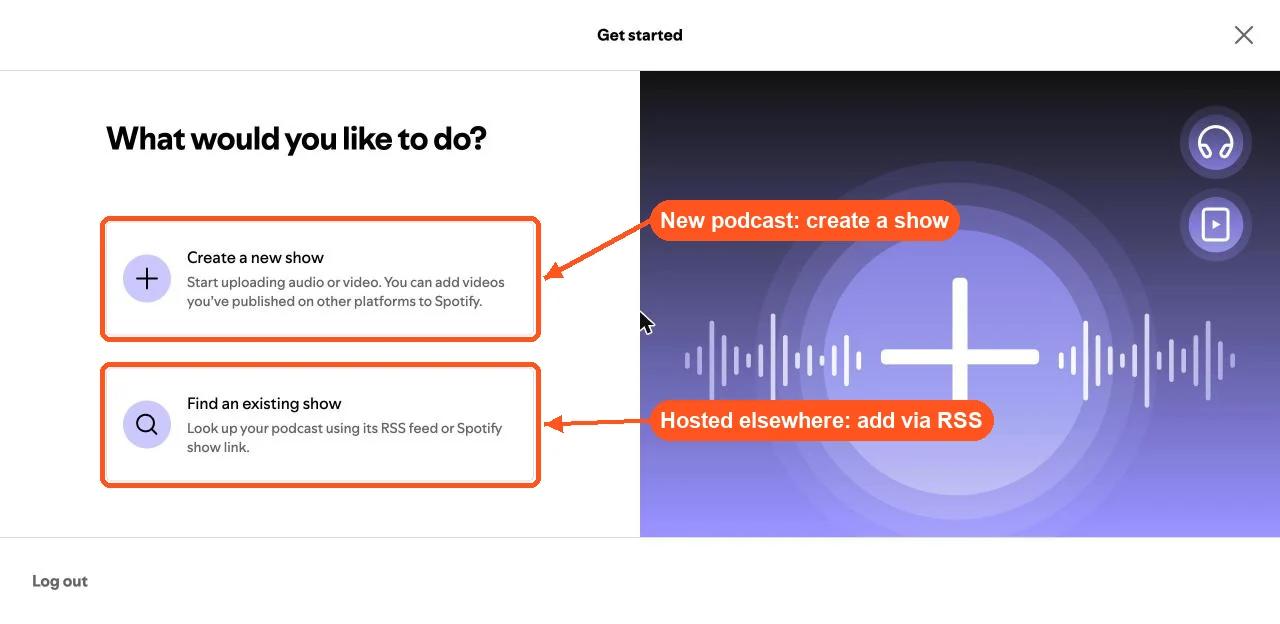
Good for: Sharing the finished show with families. Step-by-step: how to upload a podcast to Spotify.
9. Canva for Education: best for free podcast cover art
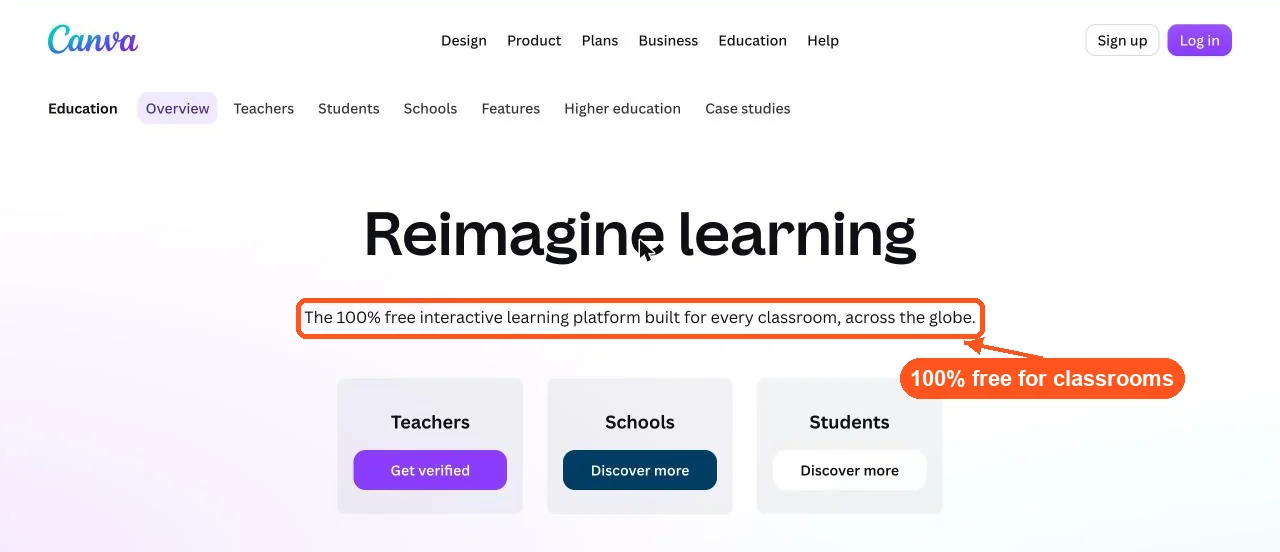
Every podcast needs square cover art. Canva for Education is free for K–12 classrooms and has podcast cover templates students can customize.
- Free for verified teachers and their students.
- Podcast cover templates and brand kits.
- Real-time collaboration.
| Price | Free for classrooms |
| Devices | Browser, including Chromebooks |
| Ages | Education accounts |
Good for: Designing cover art and episode graphics.
Best podcast apps for kids (under 13)
- BandLab for Education: free, with COPPA and parental consent forms.
- WeVideo: FERPA and COPPA compliant, no ads, sharing limited to teacher-managed groups.
- GarageBand on iPad: works offline with no account.
Keep younger students’ podcasts under a teacher or parent account, use first names only, and avoid sharing location details in episodes.
Best podcast software for Chromebooks
Chromebooks can’t install Audacity or GarageBand, so stick to browser tools: BandLab for Education, Soundtrap for Education, WeVideo, Adobe Podcast, Vocaroo and Canva. Plug in a USB headset for clearer audio than the built-in mic.
Best podcast platforms for teachers and classrooms
- Soundtrap for Education for assignments, lesson plans and Google Classroom integration.
- BandLab for Education for a free platform with unlimited classes.
- WeVideo for video podcasts and multimedia projects.
Safety and privacy checklist for student podcasts
- Use your school’s approved tools and education accounts.
- Get parental consent before publishing student voices publicly.
- Use first names or pseudonyms; no addresses, school schedules or photos of minors without consent.
- Publish from a teacher-owned account and keep comments off.
- Check music and sound effects are royalty-free.
How to run a class podcast project in 5 steps
- Choose a topic and format (interview, news show, book review, debate).
- Have students write a short script or outline.
- Record in BandLab, Soundtrap or Vocaroo using headsets.
- Clean the audio with Adobe Podcast and edit the episode.
- Add cover art from Canva and publish on Spotify for Creators.
More detail: how to record a podcast for school.
FAQ
What is the best free podcast app for students?
BandLab for Education is the best free all-rounder: it runs in the browser (including Chromebooks), is free for unlimited classes and students, and is built for classrooms. Add Adobe Podcast for free voice cleanup and Canva for Education for cover art.
What podcast software works on Chromebooks?
Browser-based tools work on Chromebooks: BandLab for Education, Soundtrap for Education, WeVideo, Adobe Podcast, Vocaroo and Canva. Desktop apps like Audacity and GarageBand don’t run on ChromeOS.
What is a good podcast making app for kids?
For under-13s, use a school-managed platform built for education, such as BandLab for Education (which has COPPA and parental consent forms) or WeVideo (FERPA and COPPA compliant). On an iPad, GarageBand works offline with no account.
What is the best podcast platform for teachers?
Soundtrap for Education is the most classroom-ready (assignments, lesson plans and LMS integrations like Google Classroom). BandLab for Education is the best free option, and WeVideo is best when students make video podcasts.
Can students publish a podcast for free?
Yes. A teacher or parent can publish the class podcast on Spotify for Creators for free. For younger students, keep the show under a teacher-managed account and use first names only.
Is Flipgrid still available for class podcasts?
No. Microsoft retired Flip (formerly Flipgrid), so use one of the tools in this guide instead.
Final thoughts
For most schools, the best free stack is BandLab for Education to record and edit, Adobe Podcast to clean audio, Canva for Education for cover art and Spotify for Creators to publish. Add Soundtrap or WeVideo if your school wants assignment management or video podcasts.

Sonu is a passionate blogger who reviews the latest AI tools. With a focus on providing insightful and unbiased reviews, Sonu helps readers navigate the evolving world of artificial intelligence.
Leave a Reply