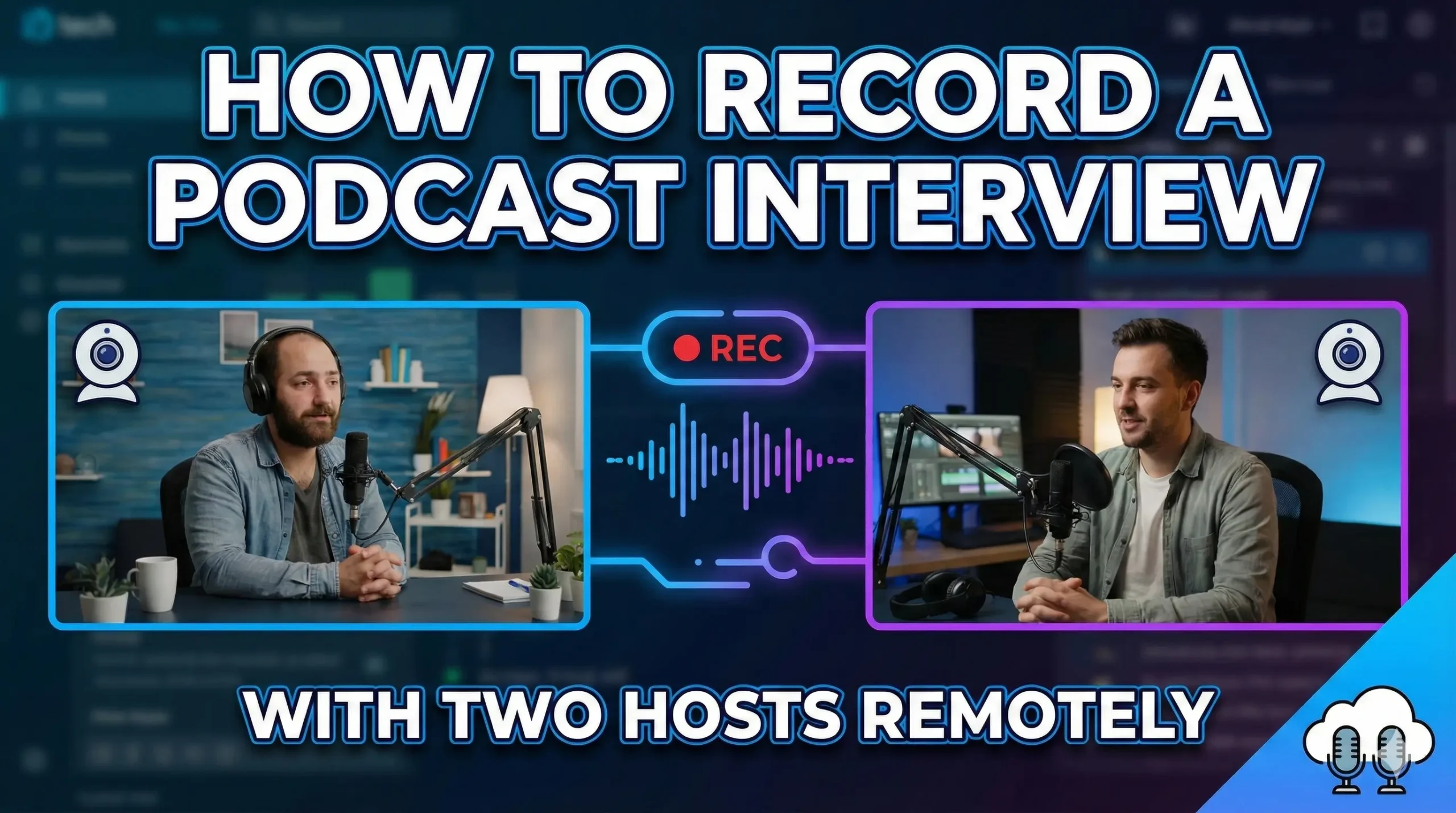
One of the best ways you can grow your audience is simply by doing interviews. It allows you to share your audience and somebody else to share their audience with each other and therefore grow an audience, which is awesome.
In-person interviews are a little bit more difficult because of the times we’re in and the logistics of making it happen. Here are three ways you can do Remote Podcast Interviews and capture the content.
Remote Podcast Interviews With Video Conferencing Software
The easiest way is using a video conferencing software like Zoom or Google Hangout. This is awesome because not only is it free, it’s easy for the person you are interviewing to download it.
You get them on by sending a link and then you record that conversation.
How to set it up?
- Send your guest a Zoom or Google Hangout link.
- Have them download the app if needed.
- Record the conversation.
- With Zoom, you get a video file at the end of the call.
- With Google Hangout, you can cast the conversation into YouTube and then find that conversation in your creator studio.
Pros and cons
- Pro: free and simple for both sides.
- Con: the quality drops. Applications like Zoom or Google Hangout will crush the bit rate of your audio, so you’re not going to get the best quality audio and video out of this way of doing it.
- Content is king. If it’s a fire conversation, it’s a fire conversation, but what’s better than a fire conversation is one that sounds really good and looks really good.
Remote Podcast Interviews With Live Stream Platforms
You can also use a live stream platform. Some platforms you might have heard are things like Ecamm Live, OBS, Discord, and StreamYard.
This way of conducting an interview is awesome because not only can you live stream the interview if you want to, but you can brand it to your liking.
Branding and show control
- Create your own backdrop or font.
- Bring in titles and text.
- Conduct a live interview show.
- Do teachings, use a slide deck, transition really cool, upload videos, and share videos in your live stream.
I think this is the easiest way to add branding. When it comes to Zoom or Google Hangouts, it kind of just gives you the interface as is.
Cost considerations
- Many of these platforms require a membership.
- This can be monthly or yearly.
- If you want a more premium experience, there is usually a cost that comes with that.
Remote Podcast Interviews By Filming Each Side
My favorite way to conduct a remote podcast is to actually film it. What I mean by that is you film the conversation using a camera.
It’s kind of like an off-centered camera while you’re conducting the interview, be it on Zoom or another video conferencing platform, but you are actually getting the shot filmed of the conversation itself.
How to do it step by step?
- Set a camera to film you during the call.
- Have your guest set a camera to film themselves.
- Optionally, record the computer feed too.
- After the call, combine the files in post.
As an example, I had a camera filming me and the guest had a camera filming himself, and later in post is how we put that altogether.
Why this looks and feels better
- You are giving the viewer multiple angles, which creates a better dynamic and keeps people more engaged as you change angles.
- If you just upload a 40-minute Zoom conversation, it’s harder to want to watch. Maybe you’ll just want to listen to something like that.
- With two camera angles, plus the computer recording, and maybe another camera, you have a minimum of three angles for this podcast, which is awesome.
Logistics and editing
- You need decent cameras to capture it.
- You need somebody who knows the settings and you want to match them.
- There is editing involved, whereas the other two ways can be captured as you do it.
In the times we live in, this has happened more and more, and I do think it’s achievable. Even if you’re using a smartphone, ask your guest to set the smartphone off to the side and then send the files later.
Capture audio separately
- You don’t have to take the audio from the Zoom call.
- You can add audio from the camera because you plugged in a mic.
- You can use a Zoom recorder or maybe your laptop recording the audio.
- You get good quality audio files to go with your good quality video, which enhances the experience for the viewer.
Improve Quality In Any Remote Podcast Interview
You can enhance the quality of your video when doing Zoom calls or using platforms like StreamYard by using a camera as your webcam.
This levels up the quality of your video conferencing or your live streams.
Final Thoughts
- Video conferencing apps are the fastest and freest way to start, but quality takes a hit. Content is king, so a strong conversation still wins.
- Live stream platforms add branding and show control, with the option to go live, but usually come with a membership cost.
- Filming each side gives you the best viewing experience with multiple angles and better audio, but it requires more gear, coordination, and editing.
Pick the method that fits your workflow today, then level up the audio and video as you go.

Sonu is a passionate blogger who reviews the latest AI tools. With a focus on providing insightful and unbiased reviews, Sonu helps readers navigate the evolving world of artificial intelligence.
Leave a Reply