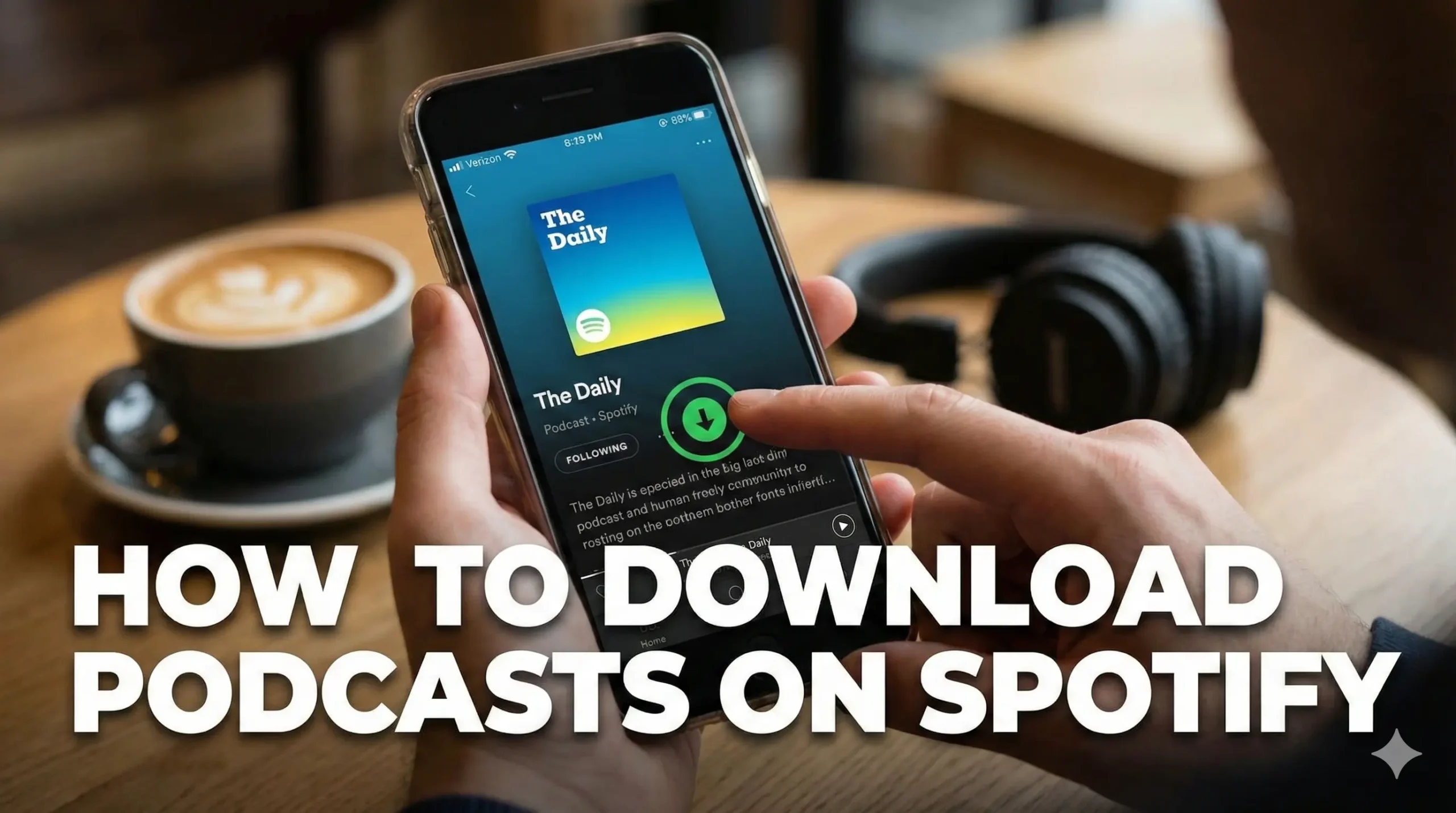
Have you ever wanted to listen to your favorite podcast while on the go without worrying about using your mobile data?
Here are the steps to download podcasts on Spotify so you can enjoy them anytime, anywhere.
Getting Ready for Downloading Podcasts on Spotify
- Ensure you have the Spotify application installed on your device. This application is available on smartphones, tablets, and computers.
- If you do not have it yet, visit your device’s app store or the Spotify website to download and install it.
- Open the app and log into your account. If you do not have an account, you will need to create one.
- Spotify offers both free and premium subscription options, but downloading podcasts requires a premium subscription.
Step-by-Step: Downloading Podcasts on Spotify
1. Navigate to the search bar at the top of the screen.
2. Type in the name of the podcast you want to download.
3. Click on the podcast to access its main page, where you will see a list of episodes.
4. To download an episode, look for the download icon, which typically resembles a downward-facing arrow. Tap this icon next to the episode you wish to download.
5. The episode will begin downloading, and you can monitor its progress in your library.
Finding Your Downloads in Spotify
Once the download is complete, you can find your downloaded episodes in the Your Library section of the application. There is a dedicated area for podcasts where you can easily access all the episodes you have downloaded.
You can now listen to your favorite podcasts without needing an internet connection. This feature is particularly useful for long trips or when you are in areas with limited connectivity.
Final Thoughts on Downloading Podcasts on Spotify
Downloading podcasts on Spotify is a simple process that allows you to enjoy your favorite shows offline.

Sonu is a passionate blogger who reviews the latest AI tools. With a focus on providing insightful and unbiased reviews, Sonu helps readers navigate the evolving world of artificial intelligence.
Leave a Reply